What is MCP? A simple guide to connecting AI to Iranian services
What MCP (Model Context Protocol) is and how it connects Claude and Cursor to Digikala, Snapp, Bale and Zarinpal. Plain explanation, a real example and setup in minutes.
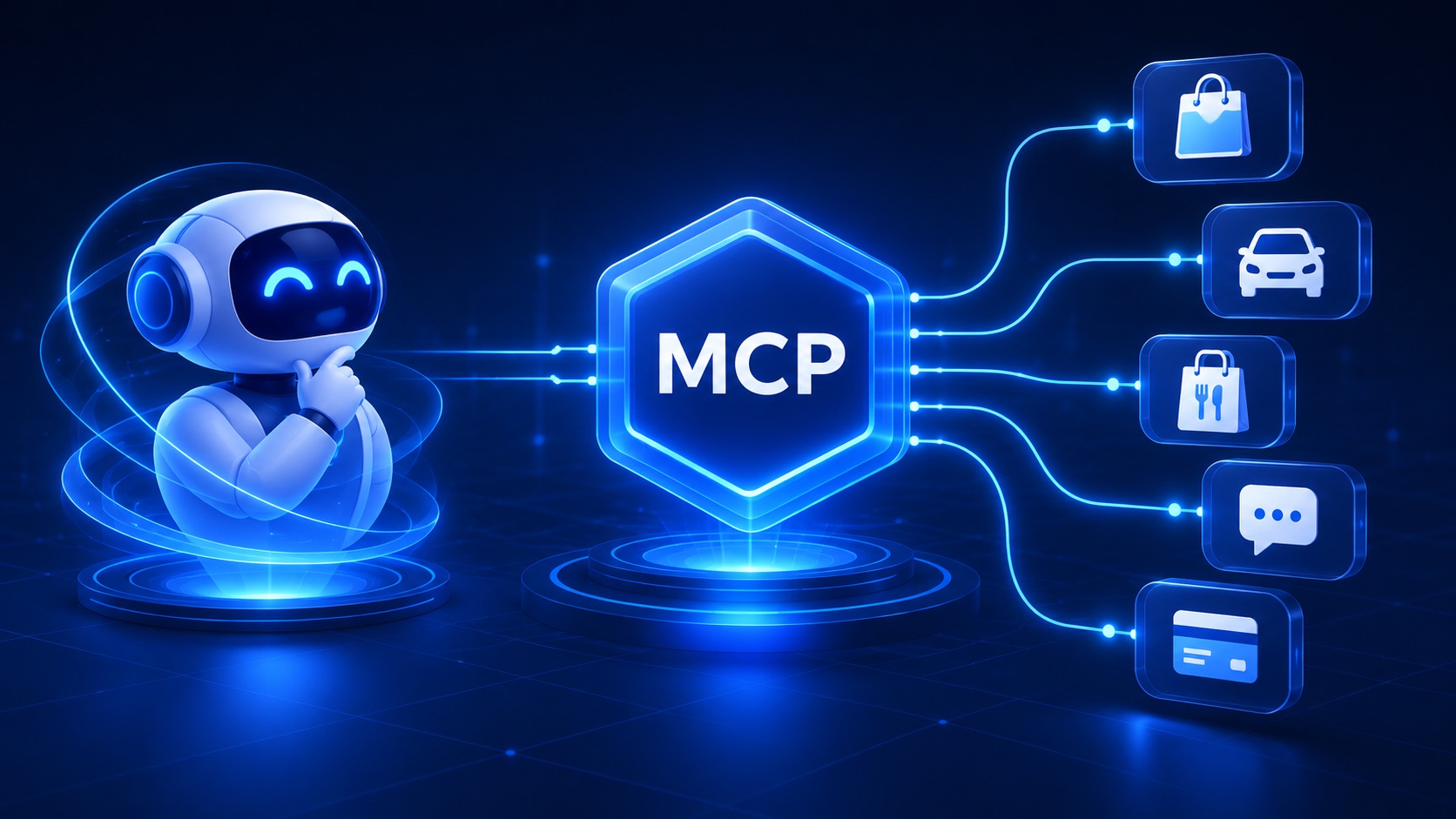
AI assistants like Claude or Cursor know a lot, but on their own they can't see today's price of a phone on Digikala, order food from Snappfood or read your Bale bot's messages. MCP is the open standard that lets them use outside tools. MCPbaz prepares those tools for Iranian services.
MCP in plain words
MCP stands for Model Context Protocol: an open standard introduced by Anthropic (the maker of Claude) and now used by Cursor, VS Code, Claude Code, Gemini CLI and Codex too.
If you think of the AI as a smart employee, an MCP server is the toolbox you hand them. Each tool does one job, for example:
- “Find the cheapest seller of this product on Digikala”
- “Get the Snapp price from Vanak to Tajrish”
- “Read the new messages of my Bale bot”
The assistant picks the right tool itself, calls it and explains the result. You just talk normally.
A real example
Suppose you type in Claude:
“Find a Samsung phone under 20 million toman with good buyer ratings, and tell me whether now is a good time to buy.”
Without MCP the assistant guesses or gives outdated information. With the Digikala MCP server:
- The best_for_budget tool ranks phones under the budget by real buyer ratings.
- The price_history tool brings the last 30 days of prices, to see whether today is higher than usual.
- The assistant summarises the result and recommends.
All of it with prices in Toman and live data.
What makes an Iranian MCP server different?
Most MCP servers are built for foreign services. To use Iranian services you need servers that:
- work with Iranian APIs and sites (Digikala, Snappfood, Snapp, Bale, Zarinpal)
- understand Persian and Rial/Toman correctly
- solve the access problem from outside; many Iranian services only answer Iranian IPs
The MCP router: every service from one address
Installing each MCP server separately on your computer (with Node.js, Python and different keys) is hard for most people. The MCPbaz router makes it simple:
- you give your assistant one address (https://mcp.mcpbaz.ir/mcp) and one key
- in the panel you choose which services are on; the assistant only sees their tools
- nothing is installed on your machine and it works the same on macOS, Windows and Linux
- sensitive data (like a Zarinpal merchant ID or a Bale bot token) is stored encrypted and never shown to the assistant itself
Services available now
- Digikala: search, cheapest seller, price history, reviews, comparison and buying advice (read-only)
- Snappfood and SnappMarket: restaurants, menus, the cheapest meal including delivery, and grocery prices
- Snappfood ordering: order with your own account; you see the bill and confirm first
- Zarinpal: create payment links and look up transactions with your own merchant ID
Setup in a few minutes
- Go to the MCP router page and choose the services you want.
- If a service needs connection details (such as a Zarinpal merchant ID), enter them there.
- Create an API key.
- Choose your client: Cursor and VS Code have an “add automatically” button; Claude, Claude Code, Gemini CLI and Codex get a command or config to copy.
- Ask your assistant a question.
Common questions
Is MCP free? The MCP standard itself is free and open. The MCPbaz router also has a free plan with 50 requests a day.
Which apps does it work with? Claude (web, desktop and mobile), Claude Code, Cursor, VS Code (Copilot), Gemini CLI and Codex. ChatGPT support is coming.
Does the AI buy anything without my permission? No. Where money or an order is involved, the assistant shows the details first and only continues with a single-use confirmation code.
Where is my data stored? Connection details are kept in an encrypted secret store (Vault). The privacy policy has the details.
Ready? Choose your services in the MCP router or see every server in the catalog.